
OCR Scanner: Image to Text
Extract text from photos and screenshots, including Cyrillic. Copy and share.
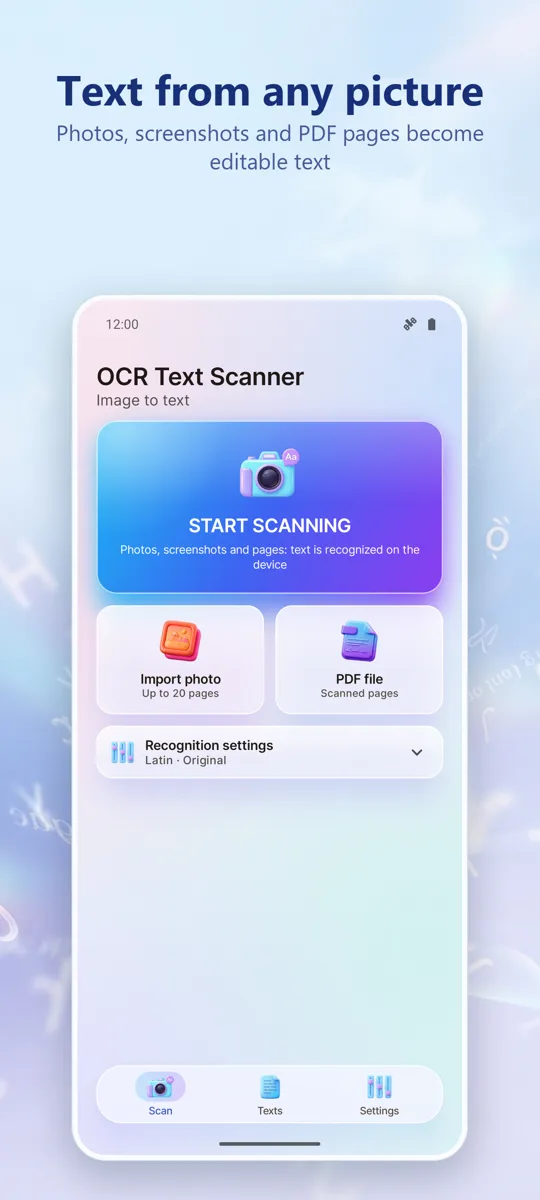
Pull the text out of a photo, a screenshot or a scanned page, and do something useful with it.



What it does
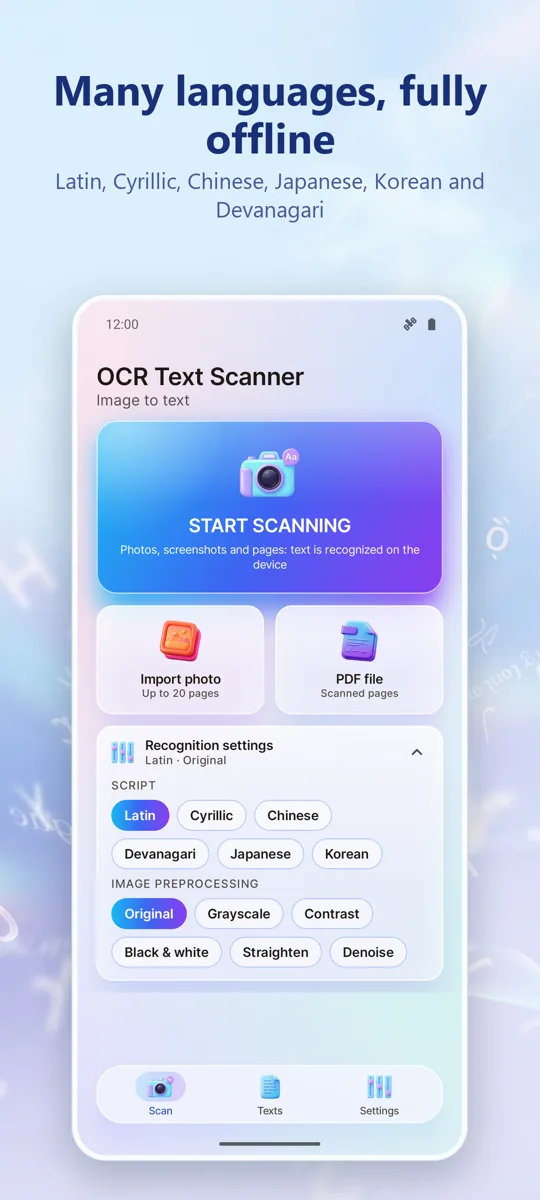
RecognitionLatin, Cyrillic, Chinese, Japanese, Korean and Devanagari.
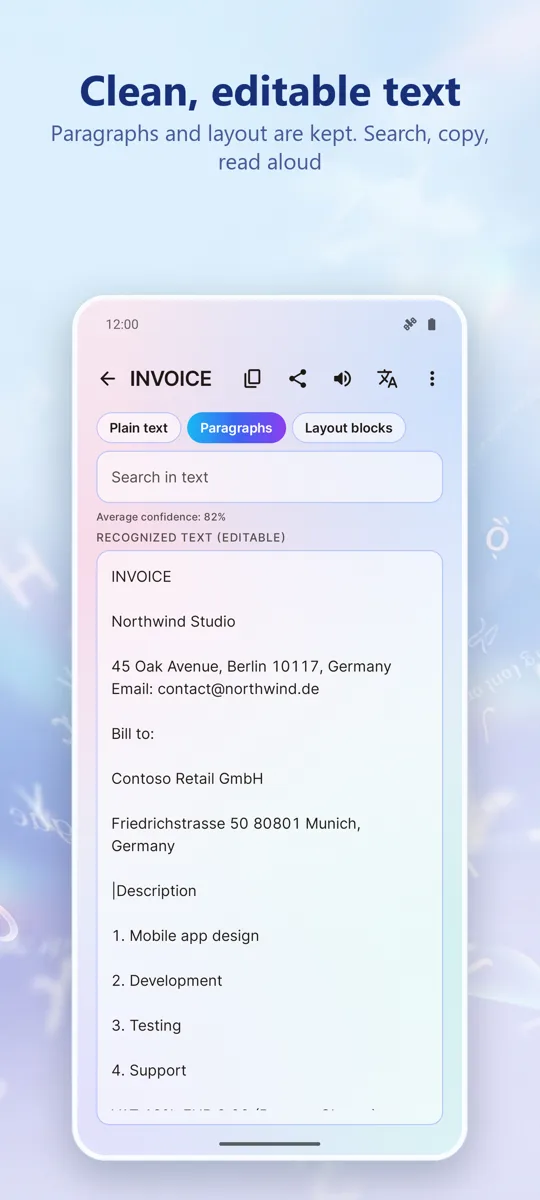
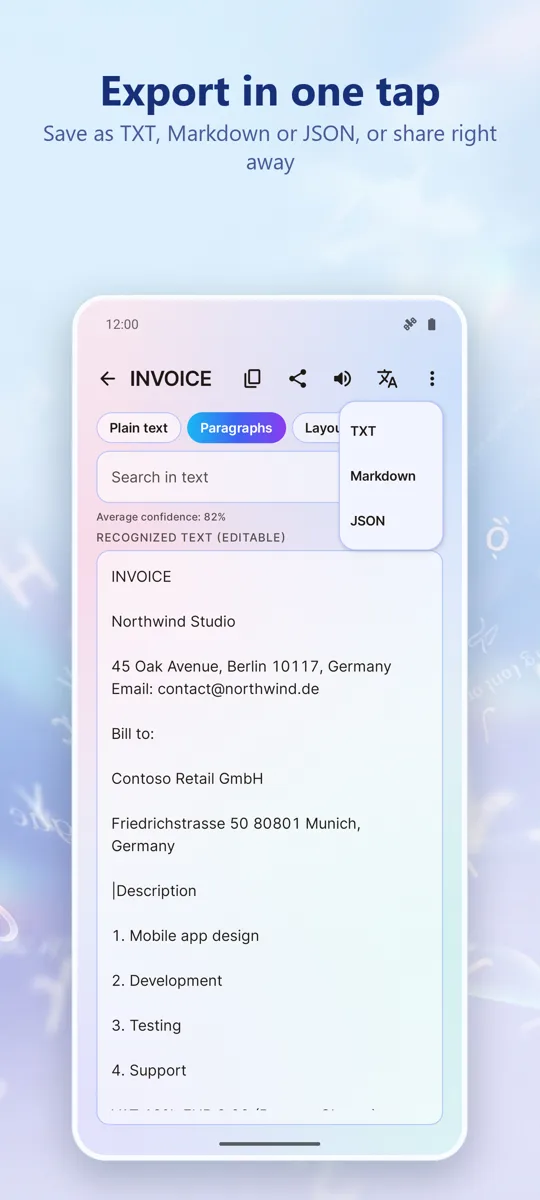
The resultText is shown in three views: plain text, paragraphs, and the original layout with line breaks preserved.
Your documentsRecognised documents are stored on the phone with a title, page count and date. Nothing is uploaded: recognition happens on the device, offline.
What affects accuracySharp focus, even lighting and a straight angle matter more than megapixels. Handwriting is not supported.
Good to knowFree with ads; one purchase removes ads forever.
What we promise
No accounts.Open the app and use it. No sign-up.
Your data stays on your phone.Your recordings, photos and documents stay on your phone. We do not see them and do not collect them.
One fair price.Remove ads once, forever. No subscriptions.